You paid for your website. That doesn't mean you own it.
I'm Jesse. I build websites for small businesses here in Thunder Bay and across Northwestern Ontario.
Most business owners would say "of course it's mine. My business name is on it and I paid the invoice." Maybe. But paying for a website and owning it aren't always the same thing, and you usually only find out which one you have when something goes wrong.
The good news: checking takes about two minutes.
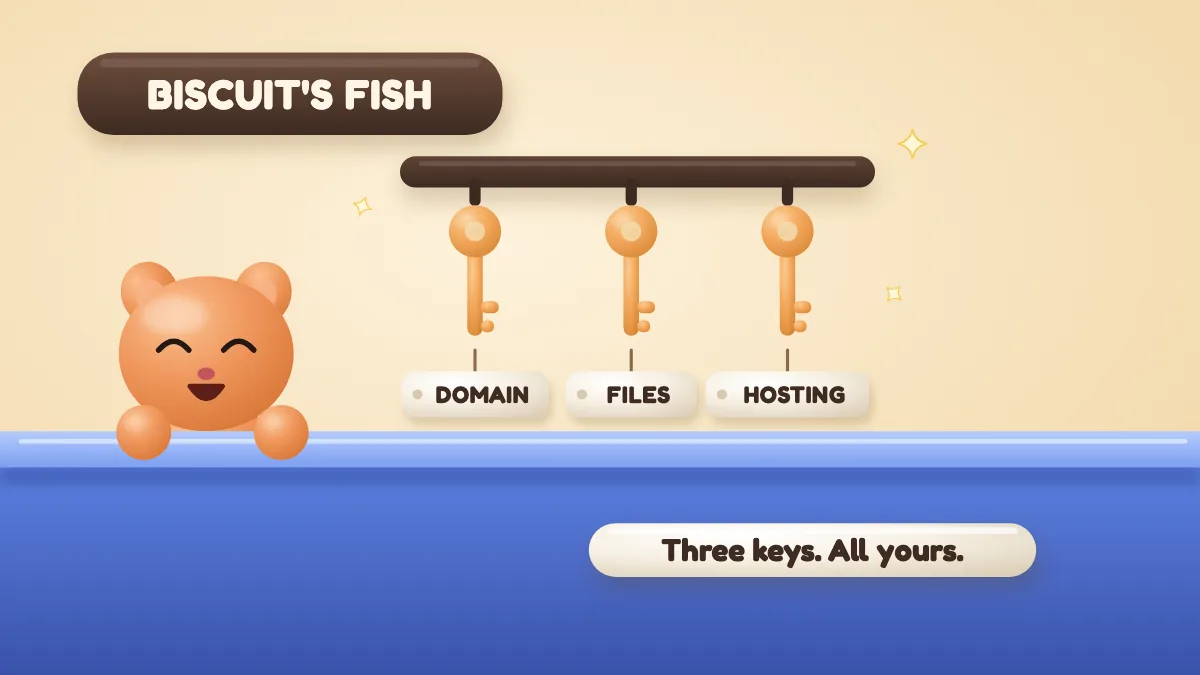
A website is three things
When people say "my website", they're really talking about three separate pieces:
- The domain: the name people type in, like yourbusiness.ca.
- The files: your words, photos, logo and the code that makes it all look the way it does.
- The hosting: the place those files live, so they can show up when someone visits.
To truly own your website, you need the keys to all three, in your name.
1. The domain (the big one)
My domain is websitesbyjesse.ca, and it's registered in my own name. That sounds obvious, but here's how it often goes for a small business in a city like Thunder Bay:
You want a website, so you ask around. A friend or family member recommends someone, and that person builds the site and buys the domain for you as part of the job. Nothing wrong with that. About 80% of my own work comes from referrals.
But sometimes the domain gets registered in their name, not yours. It doesn't happen often. When it does, it hurts.
If your domain is in someone else's name, you don't own your website. You're renting it.
Think of it like a rental house. You can live there for ten years. Your car's in the driveway, your garden's out front and your name is on the mailbox. It's still not your house.
If the person who holds your domain disappears, raises their price, or you simply stop working together, your address can go with them. Your customers, your Google listing and every business card you've handed out all point to a name you don't control.
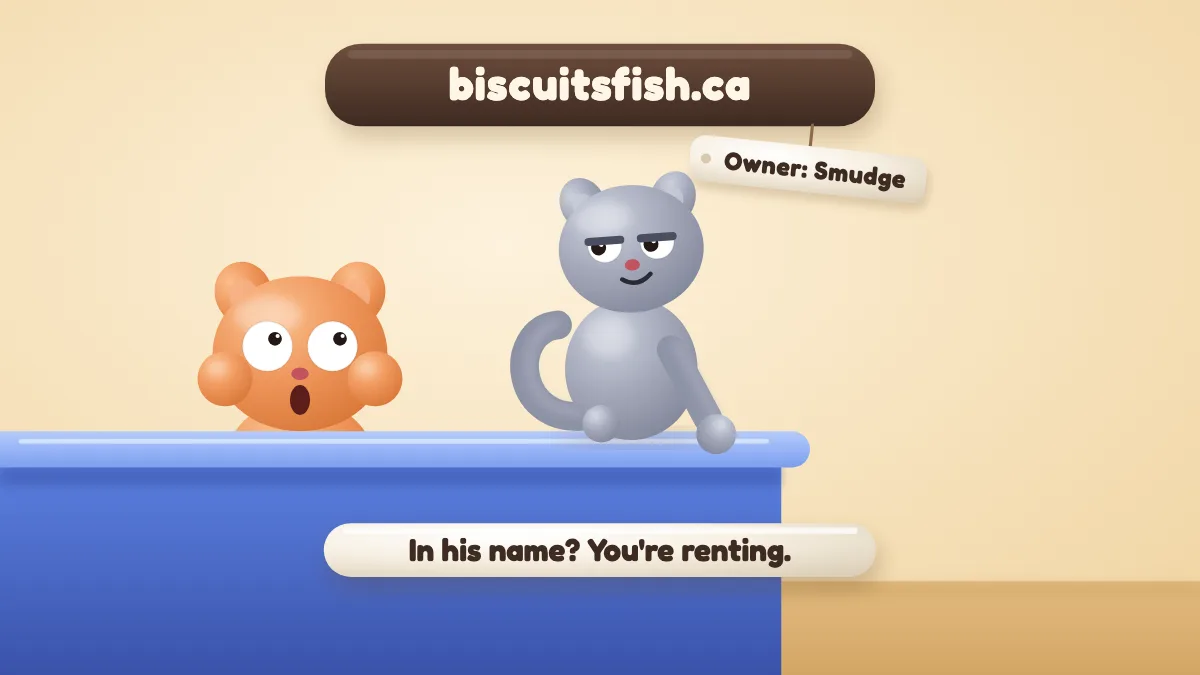
So whenever a domain is bought for your business, make sure it's registered in your name, with your email address on the account.
2. The files
Your files are everything that makes up the site: the text, the photos, the logo, your blog posts and the code holding it together.
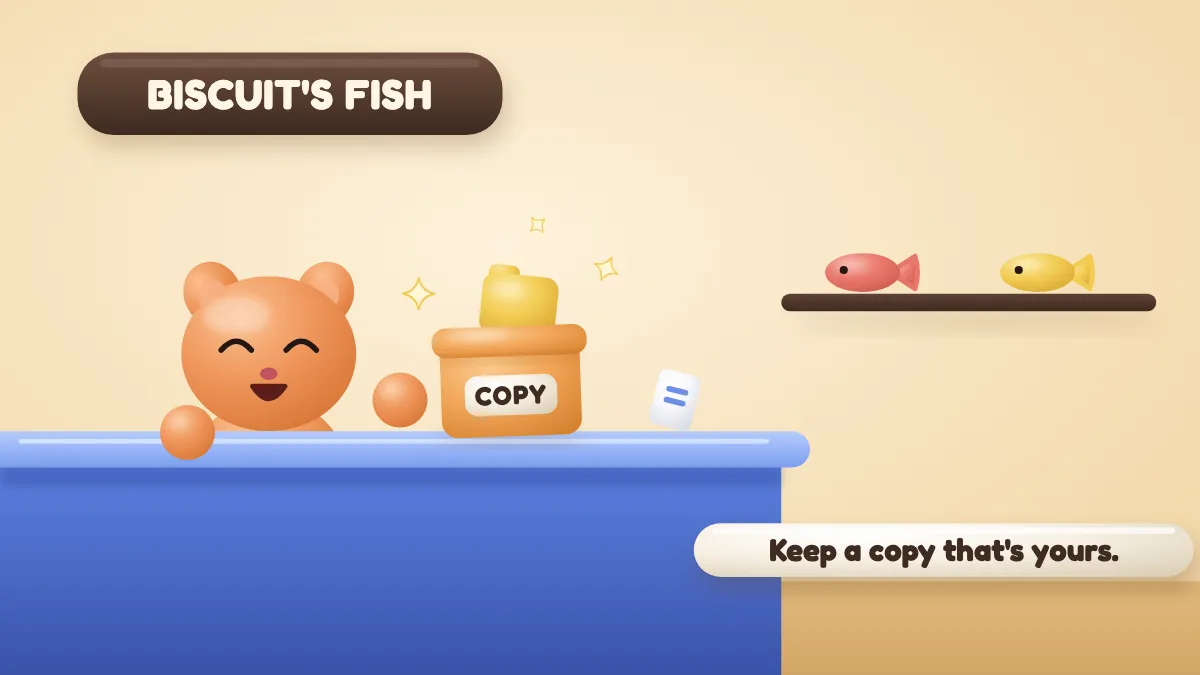
You don't need to understand any of it. You just need a copy.
Ask for a full backup of your website and keep it somewhere that's yours, like your own computer or cloud storage. If the site is ever lost, or you decide to move to someone else, that backup is the difference between a quick move and starting from scratch.
3. The hosting
Hosting is the part nobody explains, so here's the simple version.
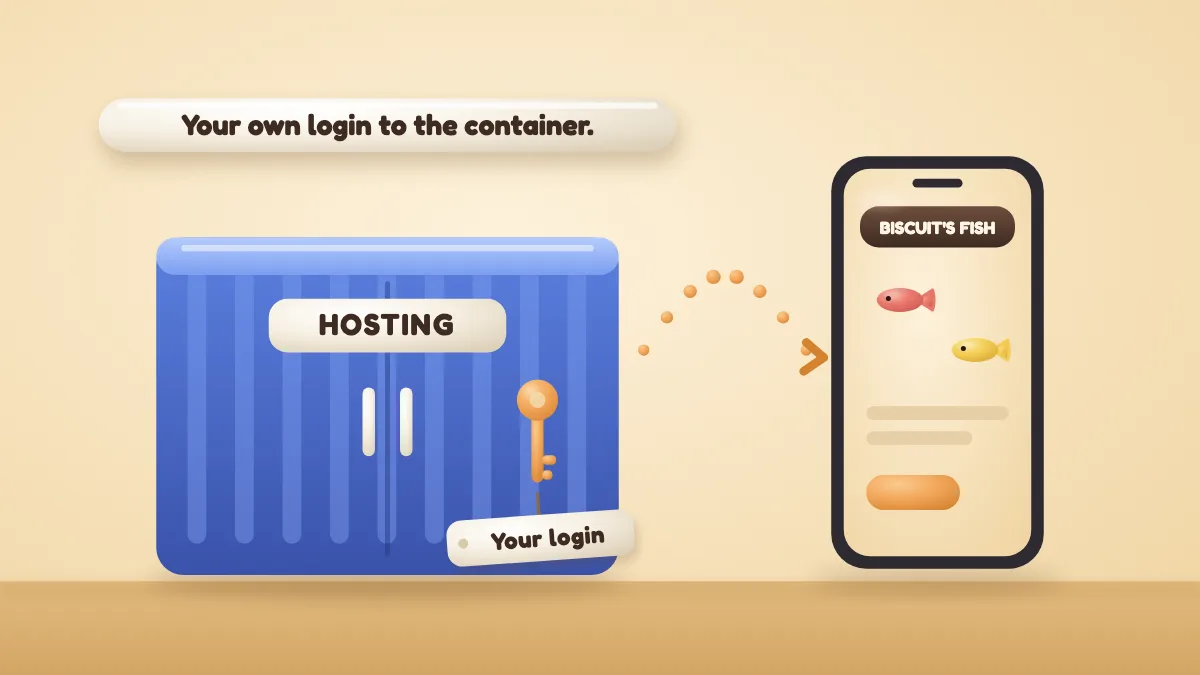
Hosting is a storage container for your website's files. When someone types in your domain, they're sent to that container, and the container hands back your website.
Whether your site is hosted here in Thunder Bay or on the other side of the world, owning your hosting means having your own login to the hosting account. With that, you can see what's there, download everything, and move it somewhere else if you ever need to. Without it, you're depending on someone else to open the container for you. (If you'd rather not manage hosting yourself, my website care and hosting plans can look after it for you.)
Three questions to ask your web developer
Here's the part worth saving. Whether you're hiring a web developer in Thunder Bay or already working with one, ask:
- "Whose name is my domain registered in?"
- "Can I get a full backup of my site?"
- "Can I have my own login to the hosting?"
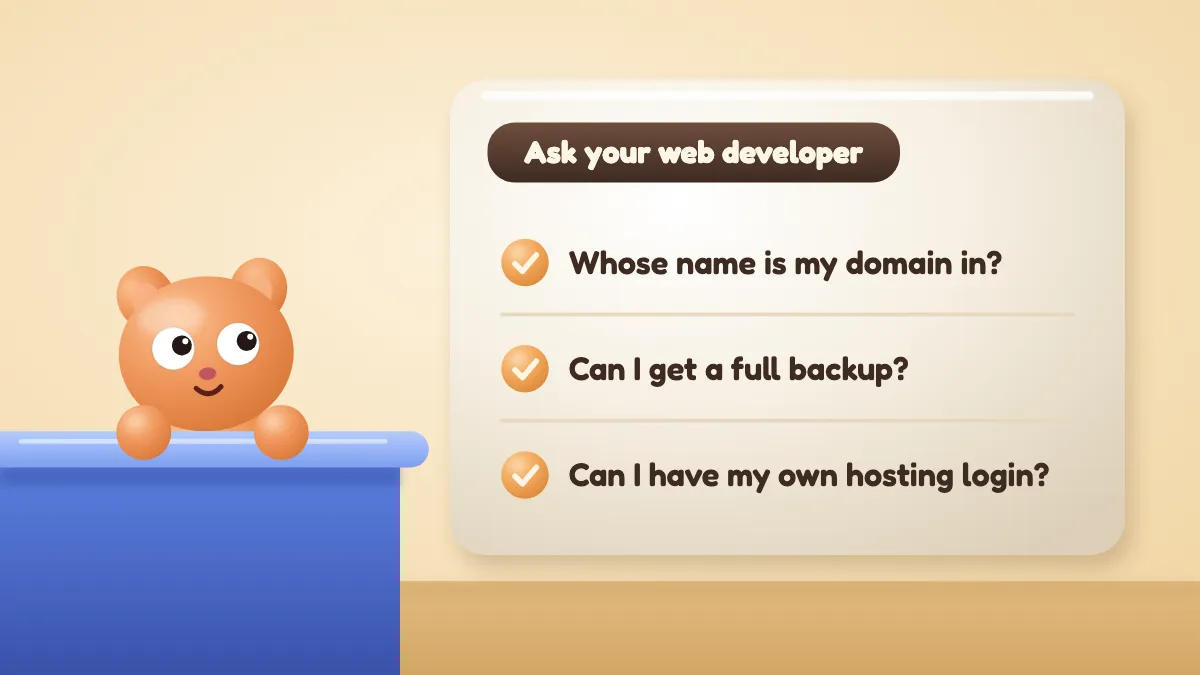
A good web person will say yes to all three, and it should take them about five minutes. If you get excuses instead, that tells you something.
To be fair to web designers: it's completely fine for them to manage all of this for you. That's often the whole point of hiring someone. You just need to be the owner, so that you're never stuck, no matter what happens.
The bottom line
Your website is three things: the domain, the files and the hosting. If your name is on all three and you have the logins, it's yours. If not, it's worth a quick conversation this week.
Not sure where yours stands? Send me a message and I'll help you check. And if you're looking for web design and development in Thunder Bay, or more people finding the site you already have through local SEO, that's what I do.
Want more calls from Google?
Send me your details and I'll tell you exactly what I'd improve.